
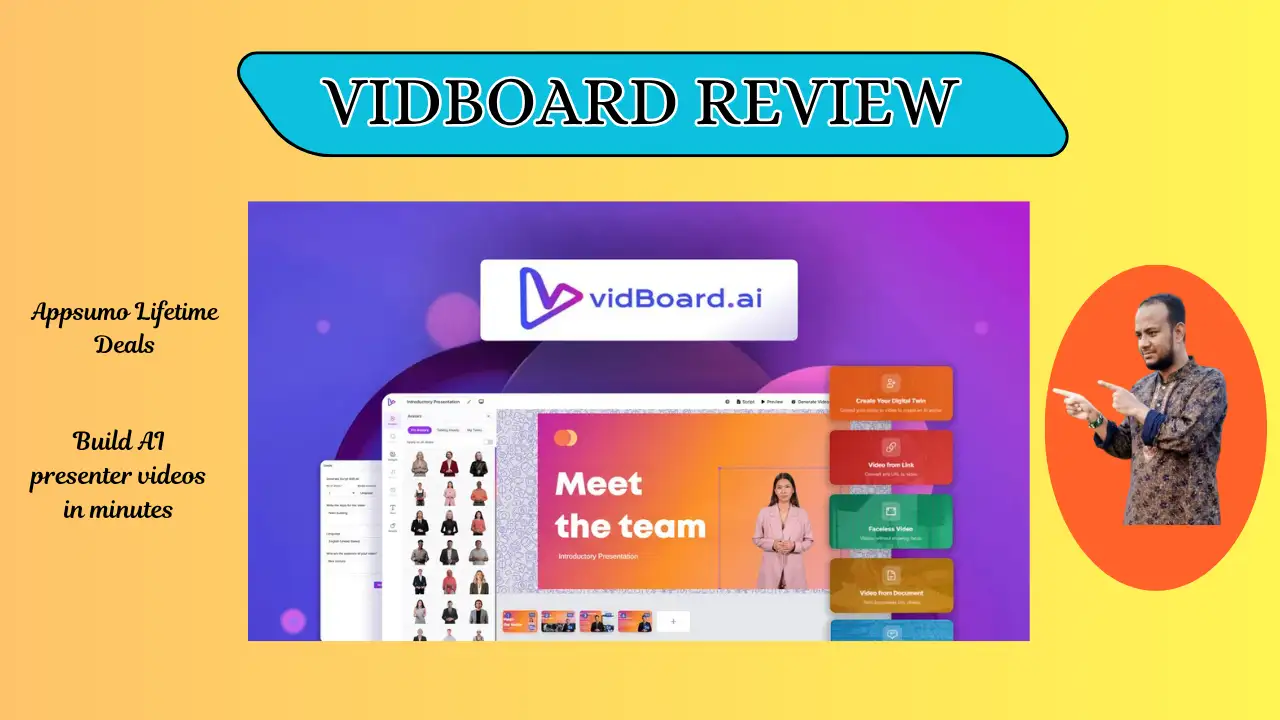
Welcome To My vidBoard Review:
If you want to skip the camera and still make pro videos, this vidBoard review is for you. I tested this tool to see if it saves time for busy creators. My experience shows it has potential, but it still has some growing to do. Read on to see if this AI tool fits your needs.
👉 Appsumo Lifetime Deals For – $69 👈
What is vidBoard?
vidBoard is a web tool that uses AI to make videos with talking avatars. You just paste a link or type text, and it builds a video for you. It aims to replace film crews with digital actors and voices. Basically, it turns your notes into a video in just a few minutes.
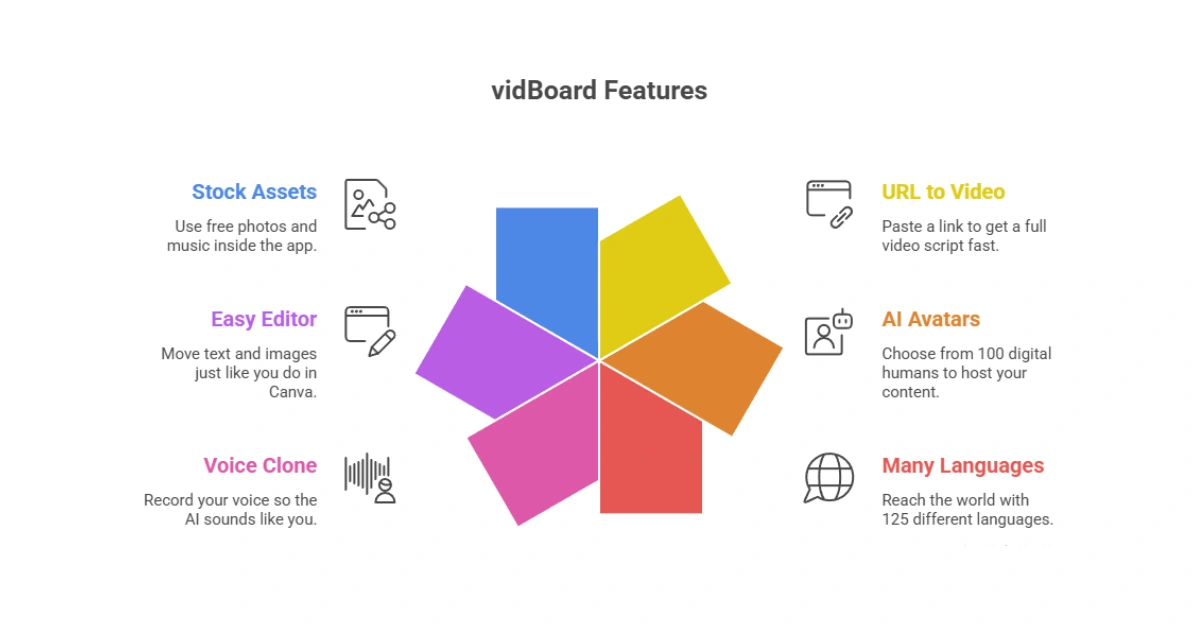
Key Features of vidBoard
vidBoard brings many helpful tools together. Here is what I noticed most:
✍ URL to Video: Paste a link to get a full video script fast.
✍ AI Avatars: Choose from 100 digital humans to host your content.
✍ Many Languages: Reach the world with 125 different languages.
✍ Voice Clone: Record your voice so the AI sounds like you.
✍ Easy Editor: Move text and images just like you do in Canva.
✍ Stock Assets: Use free photos and music inside the app.
How Does vidBoard Work?
Making a video in vidBoard is pretty simple once you try it. Here is the basic flow I used:
Step #1: Pick a Start: Start with a blank page, a PDF, or a web link.
Step #2: Pick an Avatar: Select a digital person that fits your brand.
Step #3: Add Your Script: Type your words or let the AI write them.
Step #4: Edit the Look: Change the background and add text slides.
Step #5: Render: Hit the button and wait for an email link.
Step #6: Download: Save the final MP4 file to your computer.
What I Like About vidBoard
I ran several short scripts through vidBoard. A few parts felt really useful.
✅ Fast Work: I loved how fast I turned a blog post into a script. It saves time for US marketers who need to post on LinkedIn. This tool makes the leap to video feel very easy.
✅ Global Reach: It speaks 125 languages, which is a big win for me. I made a version for Spanish speakers without a translator. Broad language support helps your content reach more people.
✅ No Camera: I am camera shy, so using an avatar was a relief. I did not have to worry about my hair or lights. You get pro videos without ever being on screen.
What Could Be Better
No tool is perfect. vidBoard still has spots that could feel smoother.
- Voice Tone: The voices still sound a bit like a robot to me. I want to hear more emotion and “human” feeling. Better voices would help win over a US audience used to top ads.
- Video List: I found it hard that I could not see my videos in a list. Waiting for an email feels a bit slow and old. A real dashboard would help users finish work much faster.
- Lip Sync: Sometimes the mouth moves in a way that looks a bit off. This can look strange if you watch very closely. Better sync would make the AI look much more professional.
Who should use vidBoard?
vidBoard fits some creators better than others. Here is who gets good value:
- Teachers: Turn your lesson notes into fun videos for kids.
- Small Biz: Create quick ads for Facebook on a low budget.
- YouTubers: Great for “faceless” channels where you hide your face.
- HR Teams: Build training clips for new staff in a few clicks.
My Personal Experience with vidBoard
I spent a few hours testing this tool with my own photos. I was excited to see my face as an AI avatar. It was cool, but the results were mixed. The setup was easy, but the final video took a long time to arrive.
- Ease of Use: 9/10 (Very simple).
- Video Quality: 6/10 (A bit blurry).
- Speed: 7/10 (Scripting is fast).
- Voice: 5/10 (Needs more warmth).
I liked that I did not need a pro editor to make slides look good. However, the video time limit per month felt a bit tight. It is a solid tool for short clips.
Comparing With Other Brands
I also used Synthesia and Canva. While vidBoard costs less than Synthesia, it feels a bit less polished.
vidBoard vs Synthesia: Quick Comparison
| Feature | vidBoard | Synthesia |
| Price | Low Cost | High Cost |
| Ease | Very High | Medium |
| Quality | Good | Great |
Pros and Cons of vidBoard
Here is a clear look at vidBoard from my tests.
👍 Pros:
- Very easy to learn
- No camera needed
- Low cost for teams
- Many languages
👎 Cons:
- Voices sound stiff
- No video gallery
- Rendering is slow
- Sync needs work
Recommendation
I suggest vidBoard for small shops and teachers who need cheap videos. If you have a tight budget, this is a great deal. It is perfect for short social clips for the US market.
If you need movie quality, you should do more research. Pro editors might find the tool too simple. Try the free version first to see if you like the styles.
Frequently Asked Questions About vidBoard
Q: Is vidBoard easy?
A: Yes. If you can type or copy a link, you can make a video.
Q: Can I use my voice?
A: Yes. The tool lets you upload your own audio or clone your voice.
Q: Does it work in Spanish?
A: Yes. It supports 125 languages to help you reach the world.
Q: Is there a free trial?
A: Yes. They have a free plan to test the features.
Q: Can I make TikToks?
A: It is best for landscape videos now. You can crop them for TikTok later.