
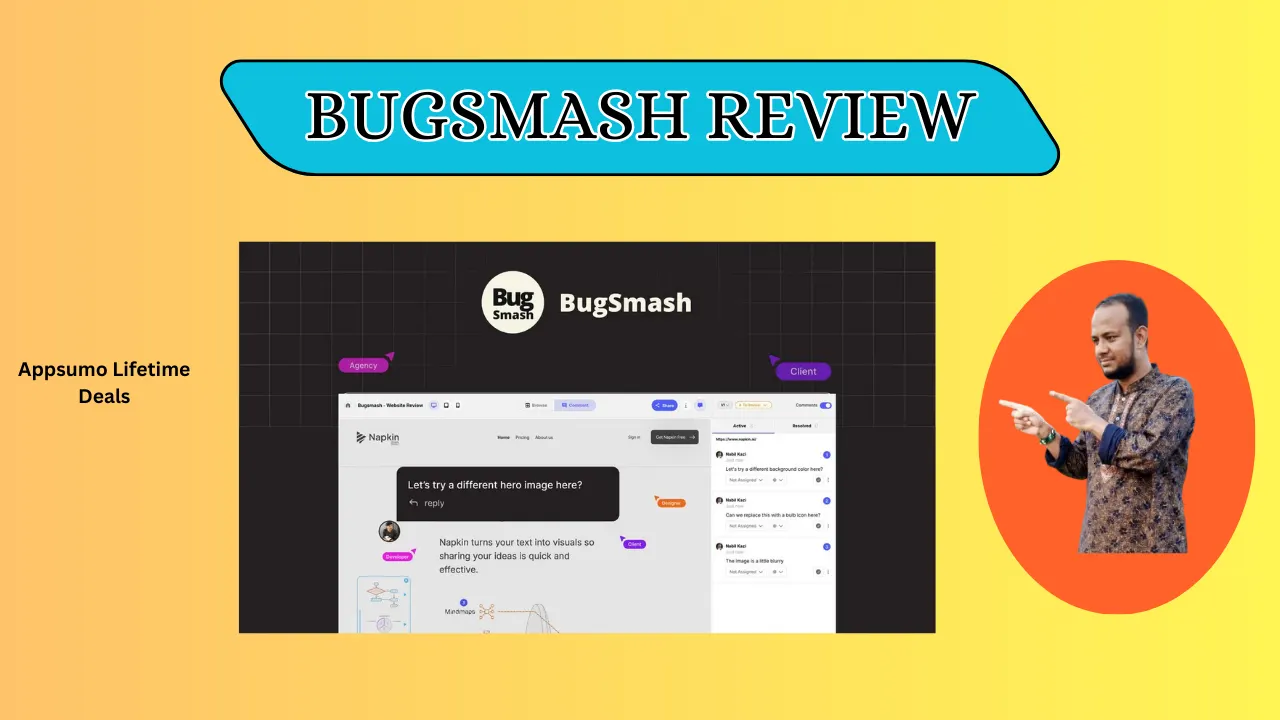
Welcome To My BugSmash Review:
If you’re tired of playing “digital charades” with clients, this BugSmash review is for you. I’ve tested many tools, but this one makes gathering clear visual feedback feel like a breeze. After using it on real projects, I can say it’s a game-changer for anyone who wants to skip long meetings. I found it saves time and helps me get straight to work.
👉 Appsumo Lifetime Deals For – $79 👈
What is BugSmash?
BugSmash is a tool for visual feedback. It lets you and your clients comment on sites, PDFs, and videos. You just pin a note right where a change is needed. It works on live sites and even helps catch bugs with AI audits. It turns your work into a clear space for your team.
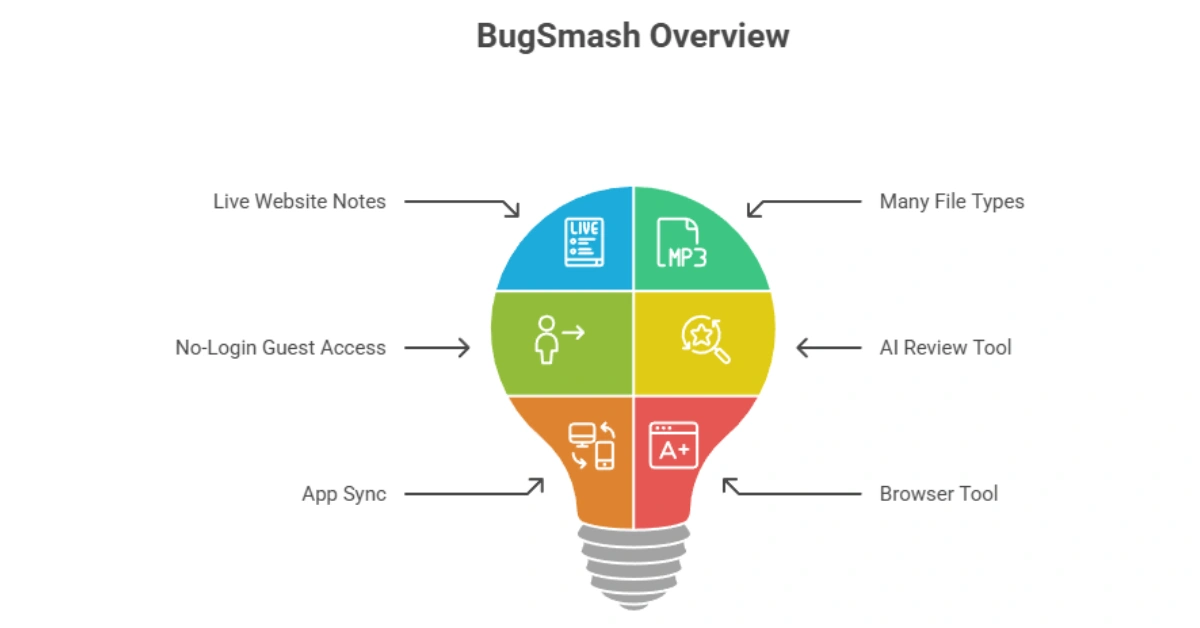
Key Features of BugSmash
✍ Live Website Notes: Enter any link and pin notes right onto the web page.
✍ Many File Types: You can review videos, PDFs, and images all in one place.
✍ No-Login Guest Access: Your clients can leave notes without having to make an account.
✍ AI Review Tool: A smart feature that scans your work for UX and accessibility issues.
✍ App Sync: It works with Jira, Slack, and ClickUp to turn notes into tasks.
✍ Browser Tool: A Chrome add-on that lets you mark up any page quickly.
How Does BugSmash Work?
Here is how I set it up for clients:
Step #1: Pick Your File: First, you add a website link or upload a file like a PDF.
Step #2: Add Your Notes: Use the point-and-click tools to add your own ideas or marks.
Step #3: Share the Link: Send a private link to your client or team so they can see it.
Step #4: Get Feedback: Your clients click anywhere on the screen to drop their thoughts.
Step #5: Finish the Job: You track the replies and check them off as you finish the work.
What I Like About BugSmash
I have run BugSmash on real jobs, and these bits stand out:
✅ The No-Login Win: I love how my clients can just click and type. In the US, people are busy and hate new apps. Not forcing a login is a huge win for client joy. This feature makes the whole process fast and easy.
✅ Clear Visuals: I don’t have to guess what a client means anymore. The comment is pinned right on the button or image. It saves me two hours of emails on every project. Each pin makes the feedback easy to act on.
✅ AI Help: Having a second pair of eyes for typos is a lifesaver. It helps me catch small mistakes before the client sees the work. The AI audit keeps my work looking clean and professional.
What Could Be Better
No app is spot-on, and BugSmash has room to grow:
- App Speed: The mobile app is good but can be slow on big sites. Speeding it up would make mobile reviews much better.
- More Apps: I want to see it work with Trello or Asana soon. More links would help teams that use different tools.
- Offline Use: You need a web link to use it right now. A way to write notes while offline would help people who travel.
Who should use BugSmash?
This fits some people best from what I have seen:
- Designers: It is great for getting fast sign-offs on new web looks.
- Ad Teams: Use it to review ads and landing pages with no fuss.
- Product Bosses: It helps keep devs and designers on the same page.
- Agencies: It is the best way to manage many clients without email mess.
My Personal Experience with BugSmash
I used BugSmash for a big site launch for a client in the US. They were not tech-savvy, but they left twenty clear notes in minutes. I did not have to hop on a single call to explain things.
- I saved five hours of work in just one week.
- The video timestamps helped us fix a motion error fast.
- My client thanked me for making the task fun and simple.
It feels like a digital red pen that everyone can use at once. I no longer fear the feedback stage because I know it will not be a mess. BugSmash has truly made talking to my clients much easier.
Comparing With Other Brand
I have also used Loom for feedback in the past. Loom is great for videos, but it does not let clients pin a note to a live button like BugSmash does.
BugSmash vs. Loom: Quick Comparison
| Feature | BugSmash | Loom |
| On-Page Pins | Yes | No |
| No-Login Guest Link | Yes | Some |
| PDF Review | Yes | No |
| AI UI Audit | Yes | No |
Pros and Cons of BugSmash
👍 Pros:
- No login for clients
- Works with video and PDF
- Quick AI checks
👎 Cons:
- The app can be slow
- Needs web link
- Needs more apps
Recommendation
If you want to stop the long email chains, I highly suggest BugSmash. It is perfect for US teams that need to move fast and keep clients happy. If you only work alone, you might not need it, but for teams, it is a must-have. My own tests show it pays for itself by saving you time right away.
Frequently Asked Questions About BugSmash
Q: Does my client need an account to leave feedback?
A: No, they do not. You send a link and they start. This makes it very fast for them.
Q: Can I use BugSmash on my phone?
A: Yes, there is a mobile app for it. You can review sites while you are on the go.
Q: Does it work on any website?
A: Yes, it works on almost any site. Just add the link and start your notes.
Q: Is there a free version available?
A: Yes, they have a free plan for life. You can try it out to see if you like it.
Q: How does the AI audit help me?
A: The AI checks for small text or bad colors. it finds errors that are hard to see.