
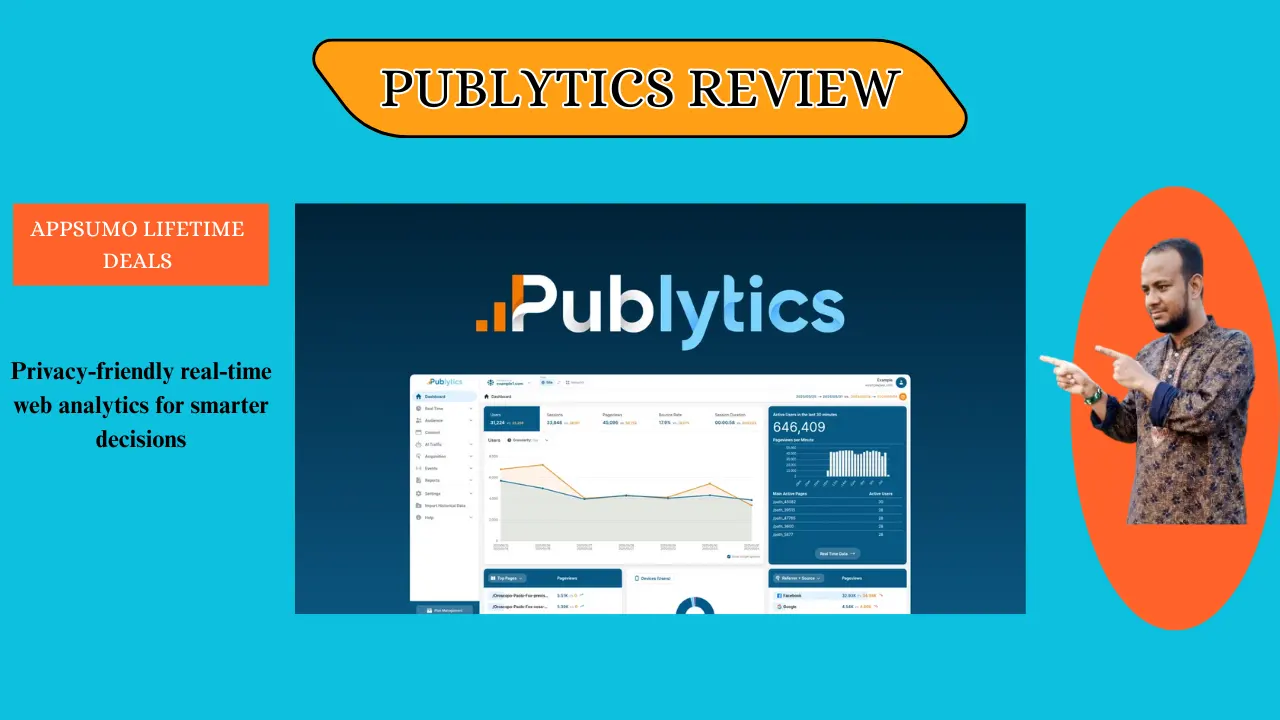
Welcome To My Publytics Review:
Tired of wrestling with GA4 just to see your daily hits? This Publytics Review shows why this tool is the best way to track your site without the stress. After testing it on my own blogs, I can say it is the easiest path to clean data. Let’s see if it fits your needs.
👉 Appsumo Lifetime Deals For – $59 👈
What is Publytics?
Publytics is a simple, real-time web analytics tool built for people who create content. It gives you 100% accurate data without using cookies or slow sampling methods. It is the best way to see what your readers are doing right now. In short, it is a fast and private way to track your website traffic.
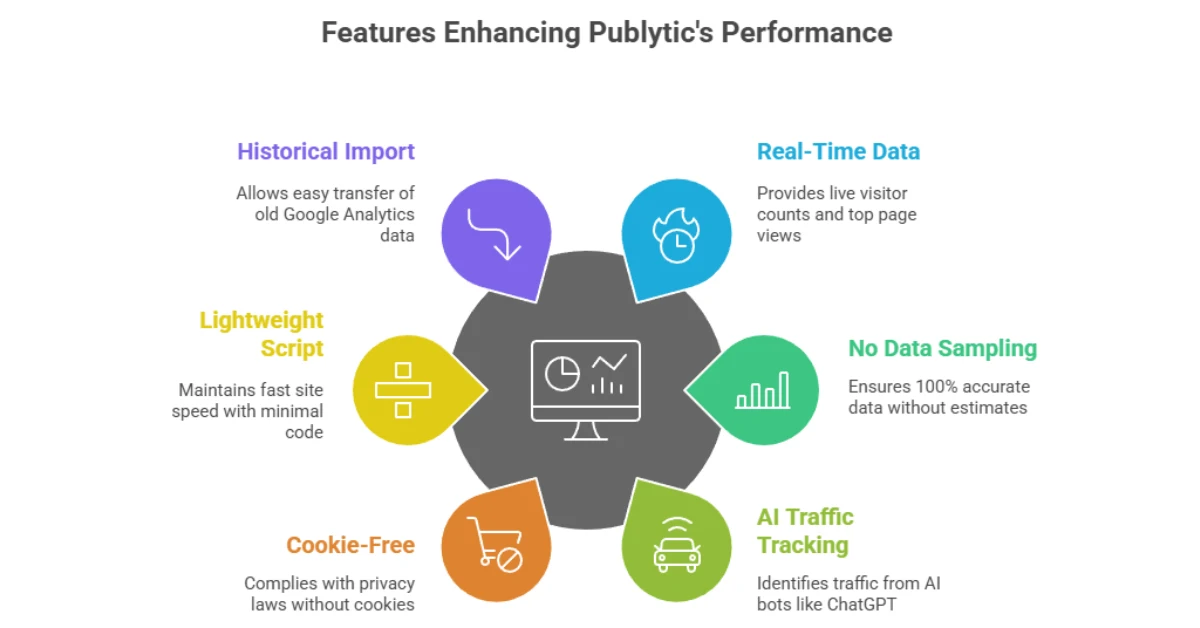
Key Features of Publytic
✍ Real-Time Data: See your live visitor count and top pages as they happen.
✍ No Data Sampling: Get 100% accurate numbers instead of “guessed” estimates.
✍ AI Traffic Tracking: Identify hits coming from ChatGPT or other AI bots.
✍ Cookie-Free: Stay safe with GDPR and CCPA laws without using annoying pop-ups.
✍ Lightweight Script: A tiny bit of code that keeps your site speed very fast.
✍ Historical Import: Move your old Google Analytics data over in a few clicks.
How Does Publytics Work?
Step #1: Sign Up: You create an account and add your website URL to the dashboard.
Step #2: Add Code: You paste a small script into your site’s header, which takes less than a minute.
Step #3: Track Hits: The tool starts counting visits instantly without using any cookies.
Step #4: Analyze: You log in to see real-time charts and deep reports on your content. This simple process means anyone can get pro-level data in minutes.
What I Like
✅ The Interface: I love how it looks just like the old Google Analytics we all used for years. It felt like coming home to a dashboard I already knew how to use. This familiar layout makes it easy to find data without a manual.
✅ Total Accuracy: I noticed my numbers were much more precise than GA4’s sampled data. In my tests, Publytics caught every single visit during a viral spike, which gave me peace of mind. You can trust these numbers to make real business choices.
✅ Privacy Focus: As a US-based creator, I worry about privacy laws, and this tool handles it all. I don’t need a cookie banner, which makes my site look much cleaner to my visitors. It protects user data while still giving me the insights I need.
What Could Be Better
- Fewer Integrations: Right now, it works best with WordPress, but I would love to see more direct apps for other site builders.
- Mobile App: There is no phone app yet, so you have to use your mobile web browser to check stats on the go.
- Tier Limits: The basic plan has a limit on how long it keeps your data, which might be short for some.
Who should use Publytics?
- Bloggers: If you write a lot and want to see which posts are popular right now.
- Niche Site Owners: It is perfect if you run many sites and want one dashboard for all of them.
- Privacy Advocates: Great for those who want to skip the “Accept Cookies” banners on their site.
- Team Leaders: Perfect for editors who need to track how different authors are performing. My experience shows this tool is best for those who value speed and simple charts.
My Personal Experience with Publytics
I started using Publytics when GA4 became too slow for my daily checks. I was shocked at how fast the dashboard loaded compared to other tools I tried. I could see my traffic from the US East Coast and West Coast separately with just one click. It helped me realize that my morning posts were doing better than my evening ones.
- The real-time map is a game changer for my live news site.
- I imported five years of GA3 data in ten minutes.
- My site speed score went up after I removed the heavy Google script.
I finally stopped seeing ‘Internal Traffic’ mess up my daily reports.” This tool turned my messy data into a clear plan for my next month of content.
Comparing With Other Brand
I’ve also used Google Analytics 4 (GA4). It is very powerful, but it feels like it was made for big tech teams rather than small blog owners.
| Feature | Publytics | GA4 |
| Ease of Use | Very Easy | Hard |
| Privacy | Cookieless | Uses Cookies |
| Data Speed | Instant | 24-48 Hour Delay |
| Setup | 1 Minute | 30+ Minutes |
Pros and Cons of Publytics
👍Pros:
- Fast and simple dashboard
- No cookie consent needed
- Accurate real-time stats
👎Cons:
- No free-forever plan
- Limited API access on low tiers
- Focused mostly on publishers
Recommendation
If you are a content creator in the USA who wants to avoid legal headaches and slow data, you should buy Publytics. It is the best choice for anyone who misses the old, simple way of tracking a website. If you need complex “big data” tools for a huge corporation, you might want to do more research. For me, the time I saved not digging through menus was worth every penny.
Frequently Asked Questions About Publytics
Q: Does Publytics use cookies?
A: No, it is a cookieless tool. It uses a private way to track hits so you do not need a cookie banner for your site.
Q: Can I move my old data here?
A: Yes, you can. You can import your old GA3 or GA4 data easily so you do not lose your site’s history.
Q: Will it slow down my site?
A: Not at all. The script is very small and light, so your site stays fast for all your visitors.
Q: Is it hard to set up?
A: It is very simple. You just copy one line of code and paste it into your site’s head section to start.
Q: Does it track AI bots?
A: Yes, it does. It can tell you if a visitor is a human or an AI bot like ChatGPT or Claude.