
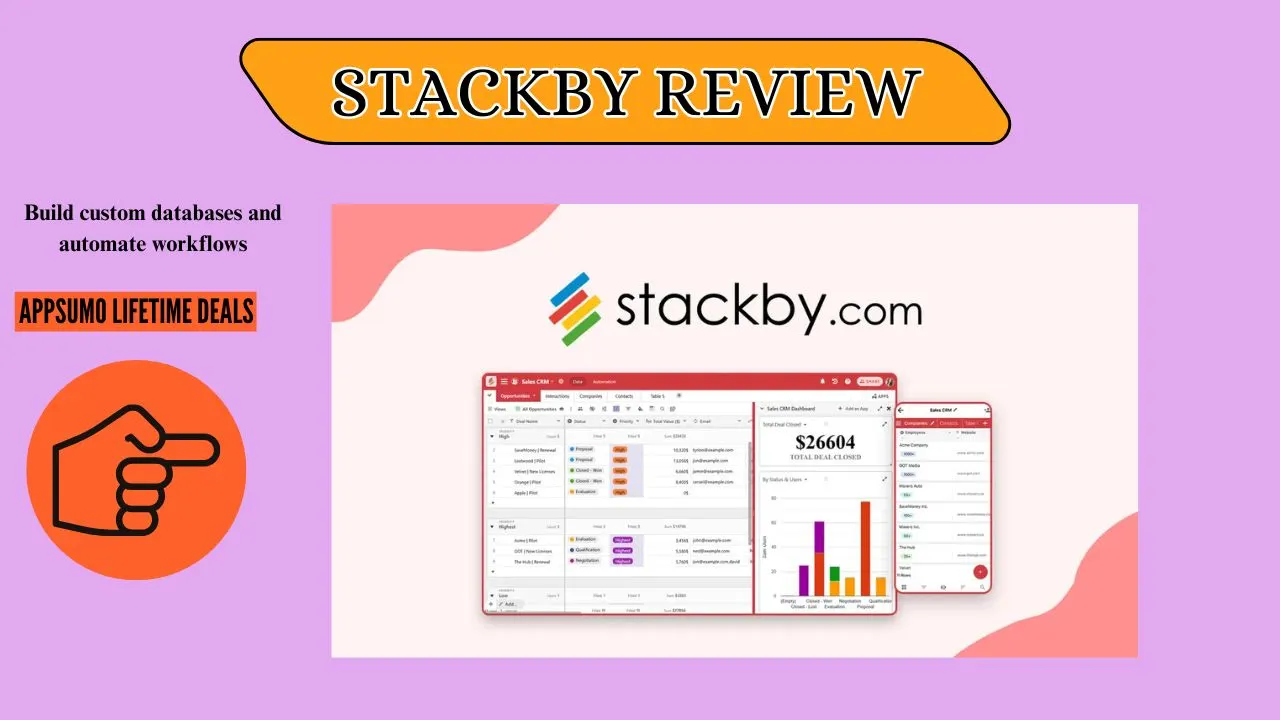
Welcome To My Stackby Review:
Are you still using old spreadsheets for your big projects? Finding the right smart database tool can feel impossible. We all need a better way to keep things organized.
That is why I tried Stackby. This tool looks like a mix of a spreadsheet and a full database. It aims to make data management very simple.
In this honest Stackby review, I will share everything I learned. We will look at its power, ease of use, and price. Let us find out if Stackby is the right tool for your team.
👉 Appsumo Lifetime Deals For – $99 👈
What is Stackby?
Have you ever wished your spreadsheet was smarter? That is the basic idea behind Stackby. It is a no-code platform that acts like a smart database. You can start with simple rows and columns, just like a sheet you already know. But it lets you link all your data together in powerful ways. It is a perfect tool for small teams who want to build custom apps easily.
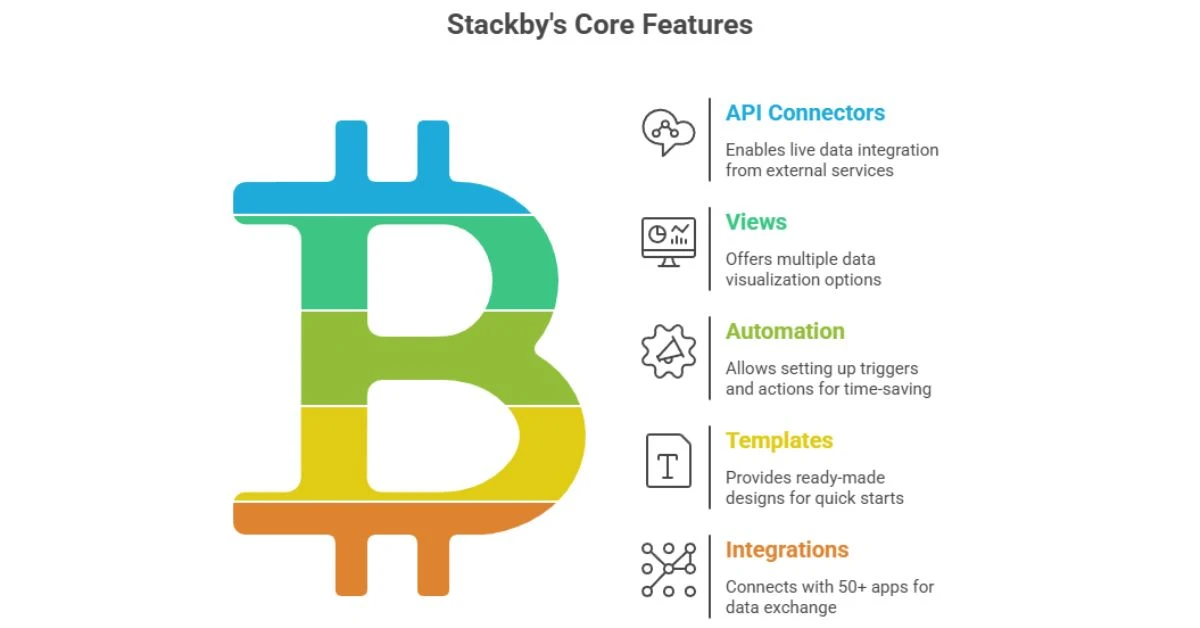
Key Features of Stackby
When you look into the core Stackby features, a few things really shine.
✍ API Connectors: This is a top-level feature. It lets you pull live data into a column from outside services. Think of getting a website’s speed score or YouTube views automatically.
✍ Views: You are not stuck seeing only a grid. You can switch to a Calendar, a Kanban board, or a Timeline view. Everyone can see the data in a way that helps them most.
✍ Automation: You can set up triggers and actions, like Zapier. You can make an email send when a task is marked as “Done.” This saves you so much time.
✍ Templates: Stackby gives you hundreds of ready-made designs. You can start fast with templates for sales, marketing, or project tracking.
✍ Integrations: Hooks into 50+ apps like MailChimp, WhatsApp. Pull live data via APIs.
How Does Stackby Work?
It is simple, but very powerful once you start using it. It changes the way you think about organizing work.
Step #1: You start with a “Stack.” Think of this as one whole project, like your content plan.
Step #2: You build your tables inside the stack. I link my “Articles” table to my “Writers” table. This keeps all my data honest and correct.
Step #3: You use API columns for updates. For example, I track stock prices for my small portfolio. I use an API to get the new price right into the row.
Step #4: You use forms to collect data. I share a form link to get feedback from clients. Their answers go straight into my database, clean and ready to use.
Who Should Use Stackby?
If you are fighting with scattered tools, Stackby might be your hero. It is great for a certain kind of user.
- Small to Mid-Sized Teams: It is budget-friendly. It gives you big-tool power without the huge price tag. This is especially true if you found a Stackby lifetime deal.
- Marketing Agencies: You can manage all your clients, content, and data in one spot. No more switching between ten different browser tabs.
- Project Managers: The Kanban and Timeline views are a dream for tracking tasks. It helps you see where a project is stuck very fast.
- People who hate coding: It is a true no-code tool. You build real, useful apps just by using drag-and-drop actions.
Why Choose Stackby?
When you compare it to other tools, a few reasons make Stackby a top pick.
✅ It offers great value: You get many pro features at a much lower cost than the big names. This is often mentioned in every honest Stackby Review.
✅ It focuses on external data: Its API connectors are top-tier. They let you pull data from a lot of places. This makes your work tables come alive.
✅ Support is kind and quick: Many users say the support team is fast to help. This matters a lot when you are a small business user.
✅ You keep control: You are not forced into a system’s way of thinking. You build your database to fit your exact business process.
Who Should Avoid Stackby?
No product is perfect. Some users might be better off with a different option.
❌ Teams with a huge budget only for Airtable: If you are already locked into a different tool, changing is hard. Stick with what works for your large scale needs.
❌ People doing very complex math: While it has formulas, those who need complex, multi-step math might find it a little clunky. A pure spreadsheet is better for that.
❌ Users needing a perfect mobile app: The desktop version is great. But the mobile app is not always as fast or smooth as other apps. It is not ideal for full-time work on your phone.
My Personal Experience With Stackby
Stackby fixed a huge mess for me. I had client files in one folder and project notes in another sheet. It was chaos. Now, all my client work lives in one Stackby space.
I use a table to track my blog posts. I link that table to a “Keyword Ideas” table. Before, I had to search three places to check my work. Now, it is all linked. It helped me find and fix an old broken link on a key page last week. That single fix paid for my initial Stackby lifetime deal many times over.
- Real Talk: “I used to waste 30 minutes every Monday. I was copying data from Google Analytics into my content planner. With Stackby, the numbers update themselves. That time is now spent planning new ideas.”
- Simple Win: “A team member asked for a deadline. I didn’t have to hunt in three apps. I just switched to the Calendar view and told them in five seconds. It made me look like a genius!”
- The Big Relief: “I was worried about the Stackby appsumo plan limits. But for my small team, the power of those API calls and the lower price made it a clear winner. I do not have to worry about my bill suddenly going up.”
Pros and Cons of Stackby
👍Benefits (Pros):
- API Connectors pull live data into your tables.
- Amazing value when compared to high-priced competitors.
- Multiple Views let teams see data how they need to.
- Excellent Support that is known to be fast and helpful.
👎Drawbacks (Cons):
- Can feel less polished than some older, more expensive rivals.
- Learning curve exists for setting up the most advanced features.
- Speed can be a little slow when loading huge files or stacks.
- Some users report minor bugs that the team is still fixing.
My Final Thoughts of Stackby
If you value smart API connections and a low cost, Stackby is a great pick. But if you need a huge, fast interface right now, you may want another tool. In my view, Stackby is a very strong and easy-to-use tool. It helped me clean up all my messy data for good.
Frequently Asked Questions About Stackby
Q: Is Stackby a good option instead of Airtable?
A: Yes, it is a smart pick. Stackby is great for its live API Connectors. It is also cheaper. A good Stackby Review often notes its strong cost value.
Q: What is the best feature noted in a Stackby Review?
A: The best feature is its strong API power. It lets tables get live data from outside tools. This cuts down on manual work a lot.
Q: Are Stackby lifetime deal offers a good purchase?
A: Yes, they are usually a wise move. Getting a Stackby lifetime deal gives you all the best Stackby features. It is a low-cost, long-term asset for small teams.
Q: How is Stackby’s price point?
A: Stackby costs less than tools like Airtable. Its fair price and Stackby appsumo offers make it a good choice if you are watching your budget.
Q: Can Stackby manage hard projects well?
A: Yes, it can. It has Kanban, Calendar, and Timeline views for project needs. These Stackby features are great for tracking complex work easily.