
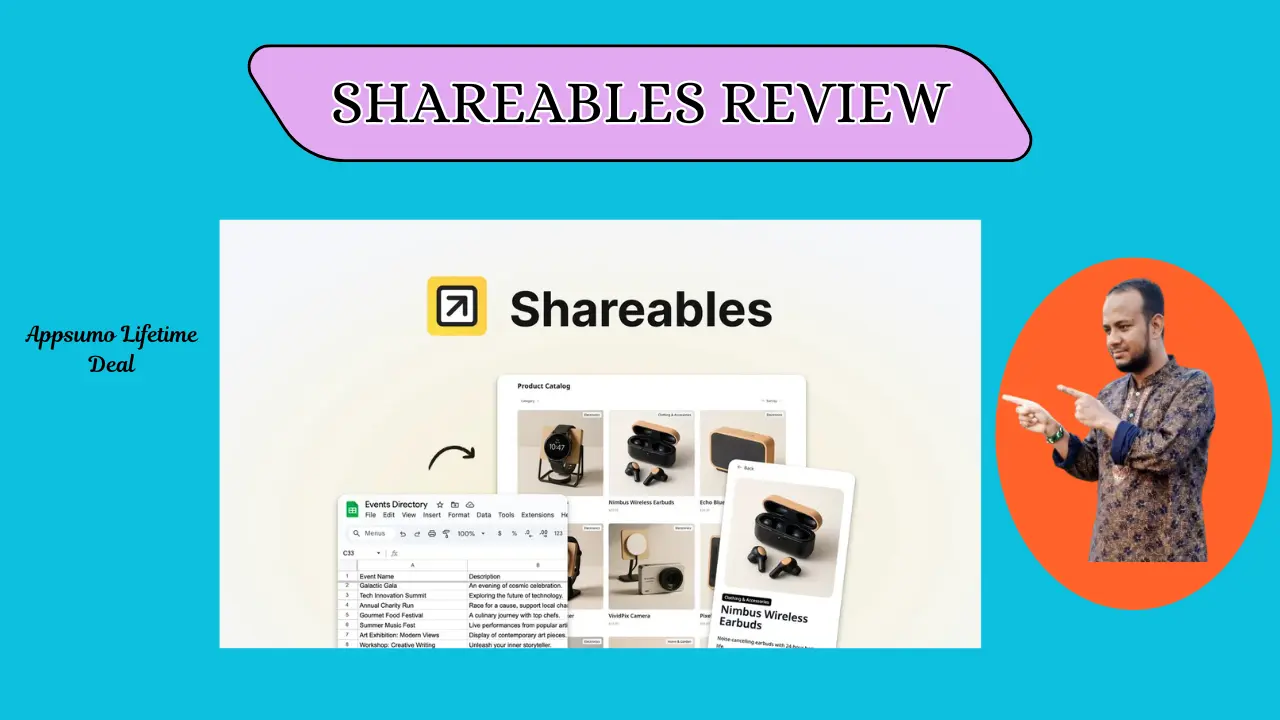
Welcome To My Shareables Review:
This Shareables review shows you how to turn data into a sleek site. I found that it saves hours of work by syncing your Google Sheets or Airtable fast. As someone who builds tools for a living, I know this is a game-changer. Let’s see if this tool fits your daily workflow.
👉 Appsumo Lifetime Deals For – $59 👈
What is Shareables?
Shareables is a no-code tool that turns Google Sheets or Notion data into a real website. It uses simple templates to show your info as lists, stores, or maps. This tool keeps your site live and updates it the second you change a cell. In short, it turns data into a web app with zero stress
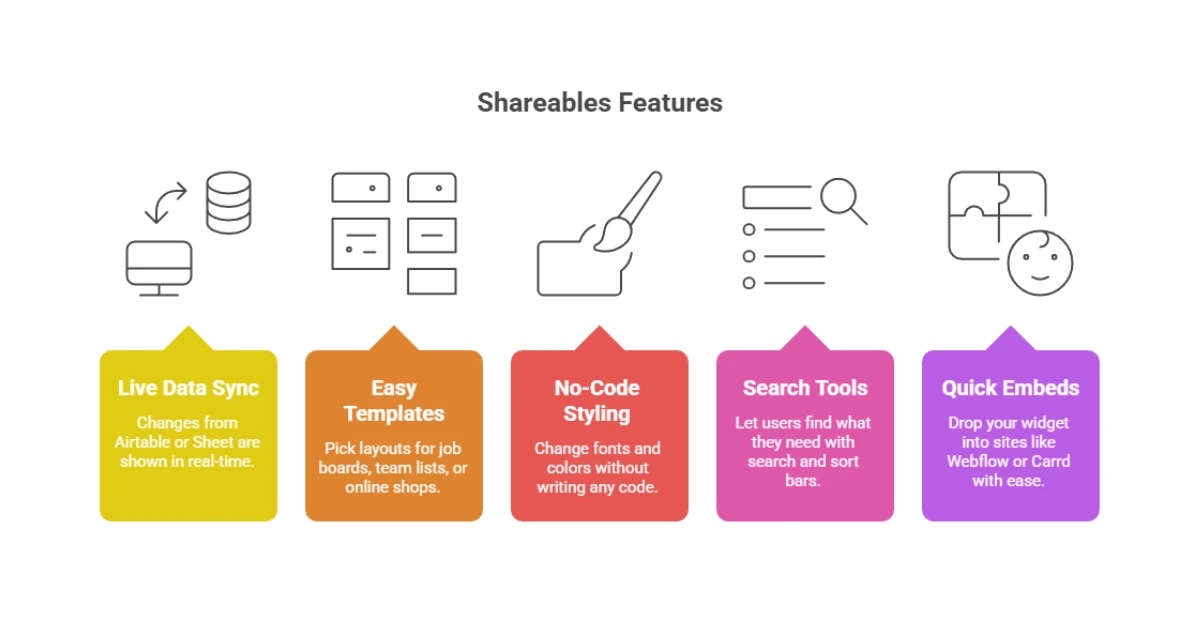
Key Features of Shareables
✍ Live Data Sync: Your site shows changes from your Airtable or Sheet in real-time.
✍ Easy Templates: Pick layouts for job boards, team lists, or small online shops.
✍ No-Code Styling: Change fonts and colors without writing any code or CSS.
✍ Search Tools: Let users find what they need with simple search and sort bars.
✍ Quick Embeds: Drop your new widget into sites like Webflow or Carrd with ease.
How Does Shareables Work?
I have done this many times; here is how it goes in real life:
Step #1: Link Your Data: I started by linking my Airtable base in about thirty seconds.
Step #2: Pick a Look: I chose a “Card” view for my team page from the gallery.
Step #3: Map the Rows: I told the app which column had the name and the photo.
Step #4: Add a Search: I added a search bar so people could find help by skill.
Step #5: Go Live: I copied a small code and pasted it on my site to finish.
What I Like About Shareables
✅ Fast Syncing: I loved how I did not have to hit “save” to see changes. It makes managing a live list feel like magic because the data flows so well.
✅ Clean Design: The templates look great right away, which is a big win for me. I was able to match my own brand colors in just two simple clicks.
✅ Ease of Use: This Shareables review must note how fast it is to set up. I had a full directory live in just fifteen minutes without any help.
What Could Be Better
- More Looks: While the designs are clean, I want to see more niche styles.
- Smart Rules: It handles basic data well, but more complex logic would be nice.
- More Apps: I hope they add more ways to link data beyond the big three.
Who should use Shareables?
- Small Shop Owners: If you need to list items but do not want a big store.
- Marketing Pros: Use it to make resource hubs that stay fresh and updated.
- Solo Workers: Great for building a fast “Link in Bio” page from a sheet.
- Group Leaders: It is perfect for making searchable lists for your local club.
My Personal Experience with Shareables
I used Shareables to build a small town business list in the USA. Before this, I spent days fixing tables, but now I just use a Google Sheet. The shop owners update their own info, and the site changes on its own. It saved me from the boring task of fixing tiny text errors every day.
- Setup Time: Under 20 minutes for a full, working page.
- User Feedback: People loved how easy it was to find local shops.
- Speed: The site stayed very fast even with over 100 rows of data.
- Trust: I never saw a broken link or a sync error during my test.
Comparing With Other Brands
I also used Pory, which is a tool that turns Airtable into sites. Both are good, but Shareables feels more simple for folks who are not tech-savvy.
Shareables vs Pory: Quick Comparison
| Feature | Shareables | Pory |
| Ease of Use | Very High | Simple |
| Data Source | Sheets/Airtable/Notion | Airtable/Sheets |
| Setup Speed | Minutes | A bit longer |
Pros and Cons of Shareables
👍 Pros:
- No code needed
- Instant sync
- Works with Notion
👎 Cons:
- Not for deep tech pros
- Fewer styles than some
- Cost for custom domains
Recommendation
If you are a US freelancer who works in sheets, you should use Shareables. It is the best way to get a pro look without a developer. If you are a coder who wants to change every pixel, it might feel a bit small. My test shows it is the best “middle ground” for fast, data-led sites.
Frequently Asked Questions About Shareables
Q: Is Shareables free?
A: Shareables has a free plan to help you start. You can pay more for custom domains and more data rows.
Q: Do I need to code?
A: No, you do not need to code at all. The tool uses a simple “click and pick” style to show your data.
Q: Can I use my own domain?
A: Yes, you can use your own custom web link. This helps your brand look professional and trustworthy to users.
Q: Does it work with Notion?
A: Yes, it links to Notion pages with ease. You can turn your private notes into a public site in minutes.
Q: Is my data safe?
A: Your data stays in your Google Sheet or Airtable. The tool only reads what you choose to show on the site.