
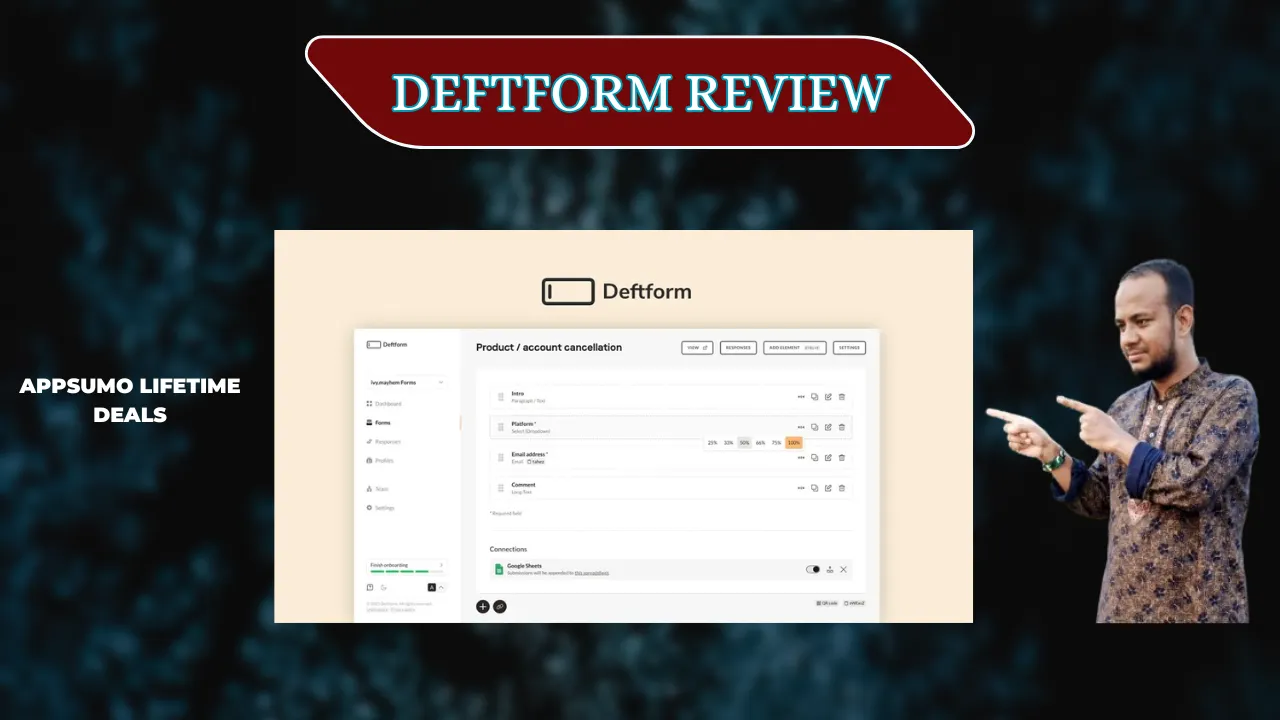
Welcome To My Deftform Review:
Finding the right tool to gather data can feel like a chore, but my recent Deftform review shows it doesn’t have to be. If you need a fast way to build sleek forms without a monthly bill, this is the direct answer you’ve been looking for. I’ve tested many builders, and this one stands out for its speed and simplicity. Check out my full experience below to see if it fits your workflow.
👉 Appsumo Lifetime Deals For – $49 👈
What is Deftform?
Deftform is a clean and modern tool used to create online forms and surveys. It helps you collect data from customers or leads without needing to know how to code. You can use it to build anything from a simple contact page to a complex payment form. Essentially, it is a simple way to manage data and automate your daily work.
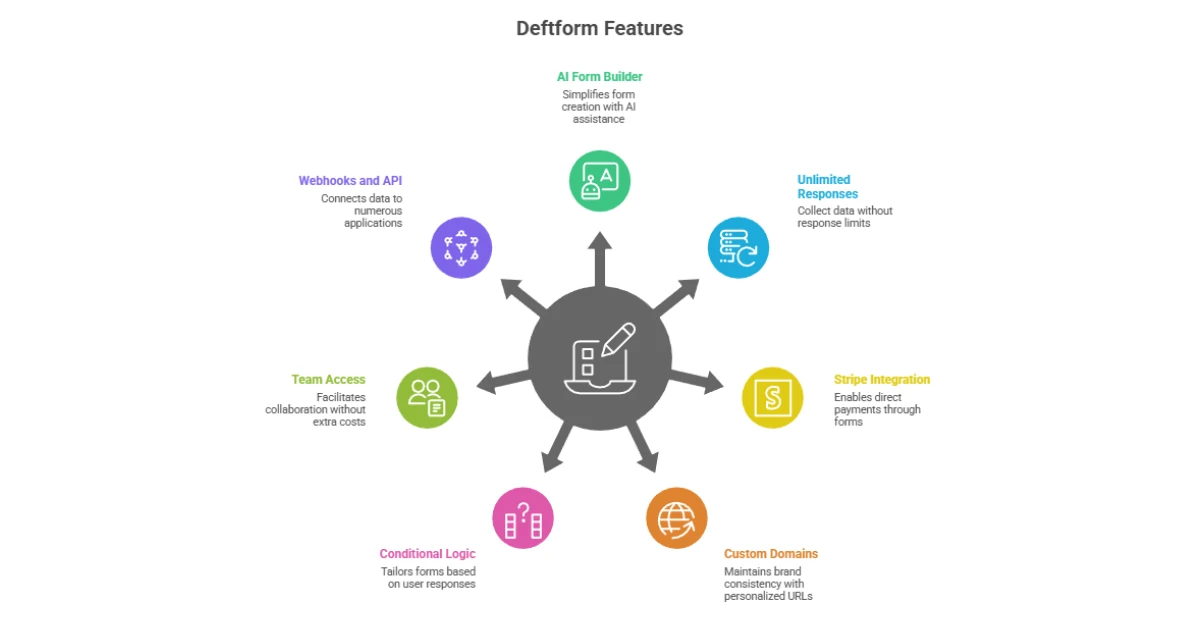
Key Features of Deftform
✍ AI Form Builder: Just type what you need, and the AI creates the fields for you.
✍ Unlimited Responses: You can collect as much data as you want without extra fees.
✍ Stripe Integration: This lets you sell products or collect payments directly through your form.
✍ Custom Domains: You can use your own web address to keep your branding consistent.
✍ Conditional Logic: Show or hide questions based on how a person answers.
✍ Team Access: You can invite your whole team to help without paying per person.
✍ Webhooks and API: This allows you to send your data to thousands of other apps.
How Does Deftform Work?
Step #1: Pick a Method: You can start with a blank page or let the AI assistant build the structure for you.
Step #2: Drag and Drop: I just click on the fields I want, like “Email” or “Rating,” and slide them into place.
Step #3: Set the Logic: I use the simple menu to make sure users only see questions that apply to them.
Step #4: Connect Your Apps: I usually link my forms to Google Sheets so the data populates there instantly.
Step #5: Share the Link: Once I am done, I grab the link or the embed code and put it on my site.
Step #6: Check Stats: I visit the dashboard to see how many people filled it out and what they said.
What I Like About Deftform
✅ The Flat Pricing: I love that I don’t have to worry about a monthly bill. In my experience, most tools charge you more as you grow, but this one stays the same. It is a huge relief for a small business budget.
✅ The Clean Interface: When I first logged in, I knew exactly where to click. I didn’t have to watch hours of videos to learn how to make a form. It feels very light and fast, which saves me a lot of time.
✅ Generous Limits: Being able to collect unlimited responses is a game-changer. I once ran a poll that went viral, and I didn’t have to panic about hitting a cap or paying a “success tax.” This tool truly scales with you.
What Could Be Better
- Advanced Charts: The built-in data views are a bit basic right now. I would love to see more colorful charts and deep reports inside the app itself.
- Design Tweaks: While the forms look very professional, I want more ways to change the layout. Adding a few more font choices or button styles would help it match more brands.
- Email Templates: I think the automatic emails sent to users could use a bit more spice. It would be great to have a visual editor for those confirmation messages.
Who should use Deftform?
- Small Business Owners: If you need a contact form or a way to take orders without a high cost.
- Course Creators: It is perfect for gathering student feedback or sign-ups for a new class.
- US Marketers: Since it is GDPR compliant and very secure, it meets the high standards we need for handling lead data.
- Agencies: You can manage many clients in different workspaces without the cost spiraling out of control.
My Personal Experience with Deftform
I have spent the last few weeks moving my old forms over to this platform. The speed of the site is what hit me first; there is zero lag when I click around. I used the AI tool to make a “New Client Intake” form, and it was ready in seconds. Having a tool that functions without a “per-seat” cost is a refreshing change for my US-based projects.
- I saved over $300 a year by switching from a subscription model.
- My forms load 20% faster on mobile than my old builder.
- I can set up a new lead magnet in under five minutes.
- The Slack notifications let me know the second a new lead comes in.
Comparing With Other Brand
I’ve also used Typeform, which is known for its beautiful “one question at a time” look. While Typeform is very pretty, it can get very expensive very quickly if you get a lot of leads.
| Feature | Deftform | Typeform |
| Cost | One-time / Low Monthly | High Monthly |
| Response Limit | Unlimited | Capped Tiers |
| Ease of Use | Very High | High |
| AI Builder | Yes | Yes |
| Custom Domain | Included | Only on Pro |
Pros and Cons of Deftform
👍Pros:
- No monthly fees on the lifetime deal
- Very fast and clean design
- Unlimited responses and forms
- Great for teams with no per-user fee
👎Cons:
- Data visuals are simple
- Fewer layout templates
- Powered by” logo costs extra to hide
- Email editor is basic
Recommendation
If you are tired of monthly fees, I highly recommend you try this tool. It is the best choice for anyone who needs to collect a lot of data but wants to keep costs low. If you need highly complex, animated design features, you might want to look closer at other options. However, for 90% of business tasks, this tool is a winner. My personal experience shows that it is reliable, fast, and very easy to use for any USA small business owner.
Frequently Asked Questions About Deftform
Q: Is Deftform easy to use for beginners?
A: Yes, it is very simple. The drag-and-drop builder and AI helper make it easy to build a form in just a few minutes without any code.
Q: Does it work with Stripe for payments?
A: It sure does! You can link your Stripe account easily. This lets you sell products or services directly through your forms with no extra fees from the tool.
Q: Can I use my own domain name?
A: Yes, you can use a custom domain. This helps your forms look like part of your own website, which builds trust with your US-based customers.
Q: Is my data safe and secure?
A: Your data is very safe. The tool is GDPR compliant and uses secure servers. This means your customer info is kept private and stays protected at all times.
Q: Can I invite my team to help?
A: You can add as many team members as you want. There is no extra charge per person, so your whole office can work together on the same forms.