
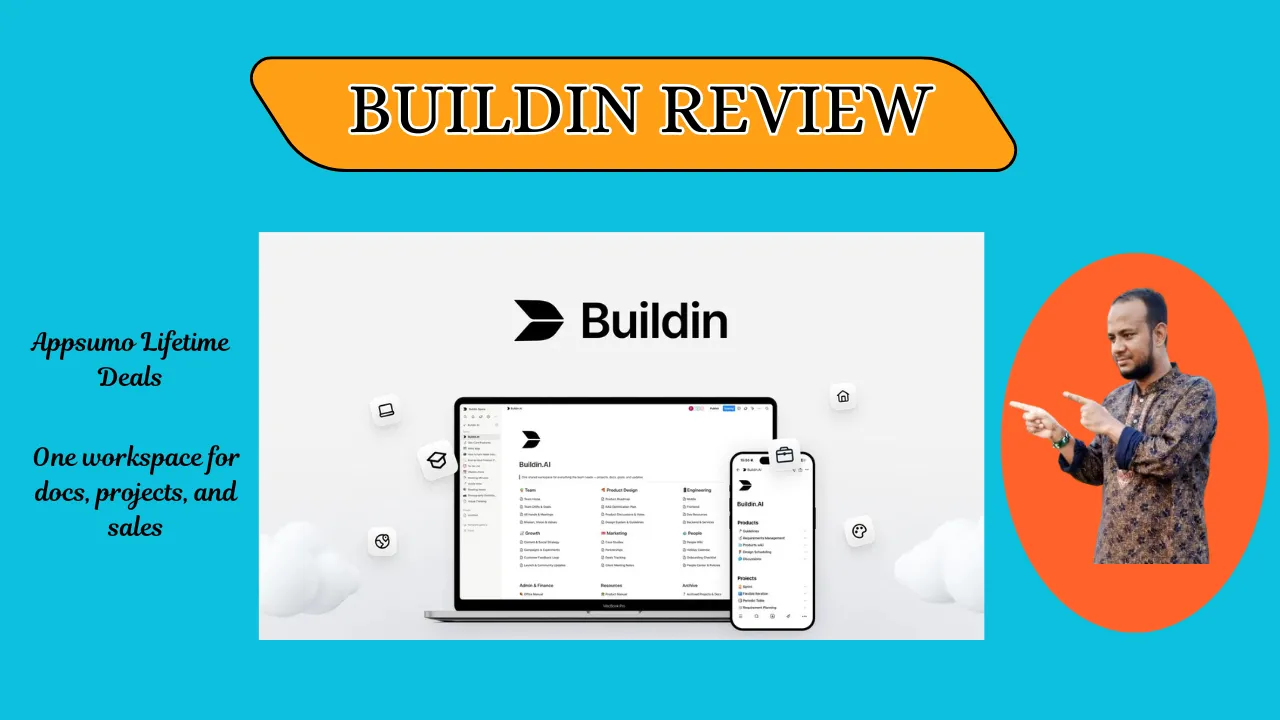
Welcome To My Buildin Review:
If you feel like your work is scattered across ten different tabs, this Buildin Review is for you. I tested this tool to see if it could truly replace my messy stack of apps, and the results were surprising. As someone who lives in digital docs, I found that having one spot for projects and sales changes everything. Stick around to see if this all-in-one AI workspace is the right fit for your daily grind.
👉 Appsumo Lifetime Deals For – $49 👈
What is Buildin?
Buildin is a fresh AI workspace that mixes docs, tasks, and mind maps. It is built to help you manage projects and sell your content in one place. You can write notes, track goals, and even charge for access to your work without leaving the app. Essentially, Buildin acts as a central hub that replaces three or four separate subscriptions.
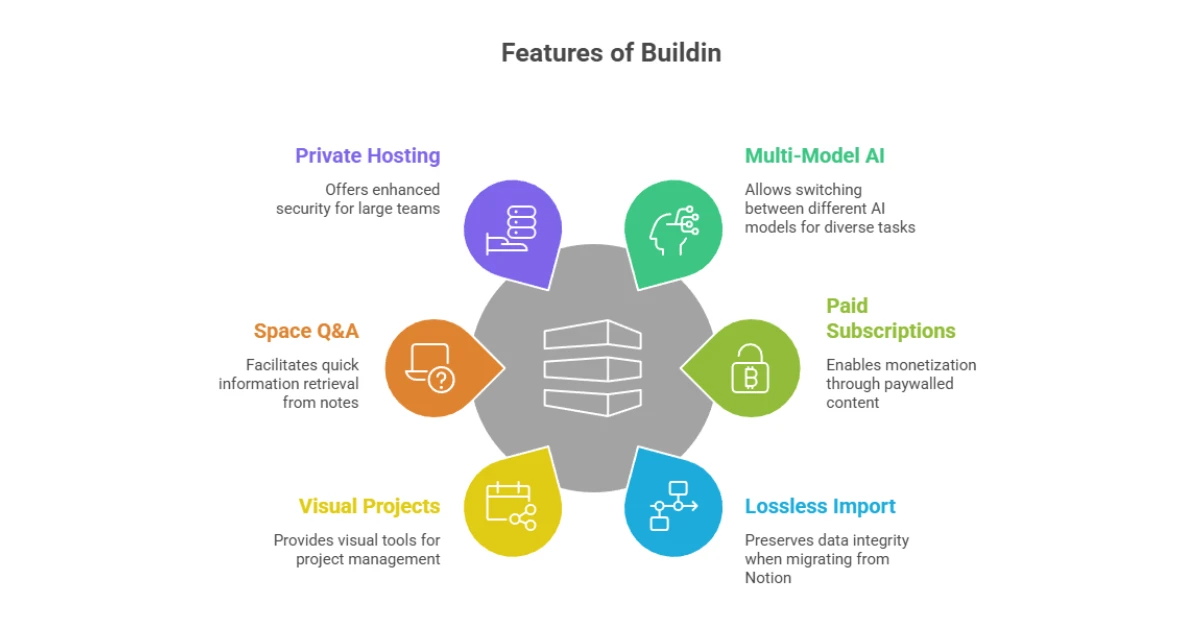
Key Features of Buildin
✍ Multi-Model AI: Switch between GPT, Gemini, and DeepSeek for writing or research.
✍ Paid Subscriptions: Lock your docs or templates behind a paywall to earn money.
✍ Lossless Import: Move everything from Notion with your databases and relations intact.
✍ Visual Projects: Use boards, timelines, and calendars to see your progress.
✍ Space Q&A: Ask the AI questions about your own notes to find facts fast.
✍ Private Hosting: Big teams can host it on their own servers for extra safety.
How Does Buildin Work?
Here is how I use it step by step. It is easy once you start.
Step #1: Import Your Stuff: Start by bringing in your old files from Notion or Word.
Step #2: Pick a Template: Use a pre-made layout for a work log or a project plan.
Step #3: Chat with Your Docs: Use the “Space Q&A” to find a specific detail in a long note.
Step #4: Set a Price: If you have a great template, turn on the subscription feature.
Step #5: Sync and Go: Open the app on your phone or laptop to see live updates.
What I Like About Buildin
✅ The AI Flexibility: I love that I’m not stuck with just one AI. If I want a logic check, I use one model; for creative drafts, I switch to another. This variety makes my writing much sharper.
✅ Selling is Simple: Setting up a paid doc felt as easy as sending an email. In the US market, where the “side hustle” culture is huge, being able to sell a playbook instantly is a game-changer.
✅ Total Organization: Having my mind maps right next to my task list keeps me from getting lost. I stopped clicking between tabs, which saved me a ton of mental energy every single day.
What Could Be Better
- Mobile Learning Curve: The phone app is powerful, but it took me a few days to get used to the layout. It feels a bit crowded compared to the clean desktop version.
- More Payment Gateways: Right now, it works great, but I would love to see more options for how users can pay for my content.
- Niche Templates: While the basics are there, I’d like to see more templates for very specific US-based industries like real estate or local law.
Who should use Buildin?
- Content Creators: Perfect if you want to sell guides or templates to your fans.
- Small Business Owners: Great for keeping team goals and docs in one spot.
- Remote Workers: Ideal for staying synced with a team across different time zones.
- Project Managers: Use it to track complex tasks without buying a separate tool.
My Personal Experience with Buildin
Using Buildin felt like finally cleaning a very messy desk. I used to jump from Notion to Slack to a separate paywall tool just to run my small business. With Buildin, I moved my entire “Productivity Playbook” over, and within an hour, it was live and ready for paid members. The AI actually remembers what I wrote last week, so I don’t have to repeat myself.
- Result 1: I saved about 5 hours a week by not switching apps.
- Result 2: My team stayed on the same page thanks to the live editing.
- Testimonial: “This is the first tool that actually makes my notes earn money for me.”
Comparing With Other Brands
I’ve also used Notion for years to keep my life in order. While Notion is great for simple notes, it always felt like it was missing the “selling” part of the puzzle.
Buildin vs Notion: Quick Comparison
| Feature | Buildin | Notion |
| Built-in Sales | Yes | No |
| AI Models | GPT, Gemini, DeepSeek | Notion AI only |
| Mind Maps | Native | Third-party only |
Pros and Cons of Buildin
| Pros | Cons |
| Sell content directly | App takes time to learn |
| Multiple AI choices | Mobile UI can feel tight |
| Easy Notion migration | Fewer 3rd party plugins |
Recommendation
If you are a creator in the US looking to monetize your knowledge, Buildin is a must-have. It is perfect for those who want a “business in a box” feel. However, if you only need a simple grocery list app, this might be more power than you need. I suggest it for anyone who feels their current workflow is too split up.
Frequently Asked Questions About Buildin
Q: Is Buildin better than Notion?
A: Buildin offers native sales tools and more AI choices. It is better if you want to sell content directly to others.
Q: Can I move my Notion data?
A: Yes, you can move your files easily. The import tool keeps your databases and links working just like they did before.
Q: Does it work on my phone?
A: Buildin works on iOS and Android. Your work stays in sync across your phone, tablet, and computer all the time.
Q: How do paid docs work?
A: You can put a price on any page you create. Buildin handles the payment so you can earn money from your expertise.
Q: Is my data safe?
A: Yes, it uses high-level security to keep your files private. You can even host it yourself if you need total control.