
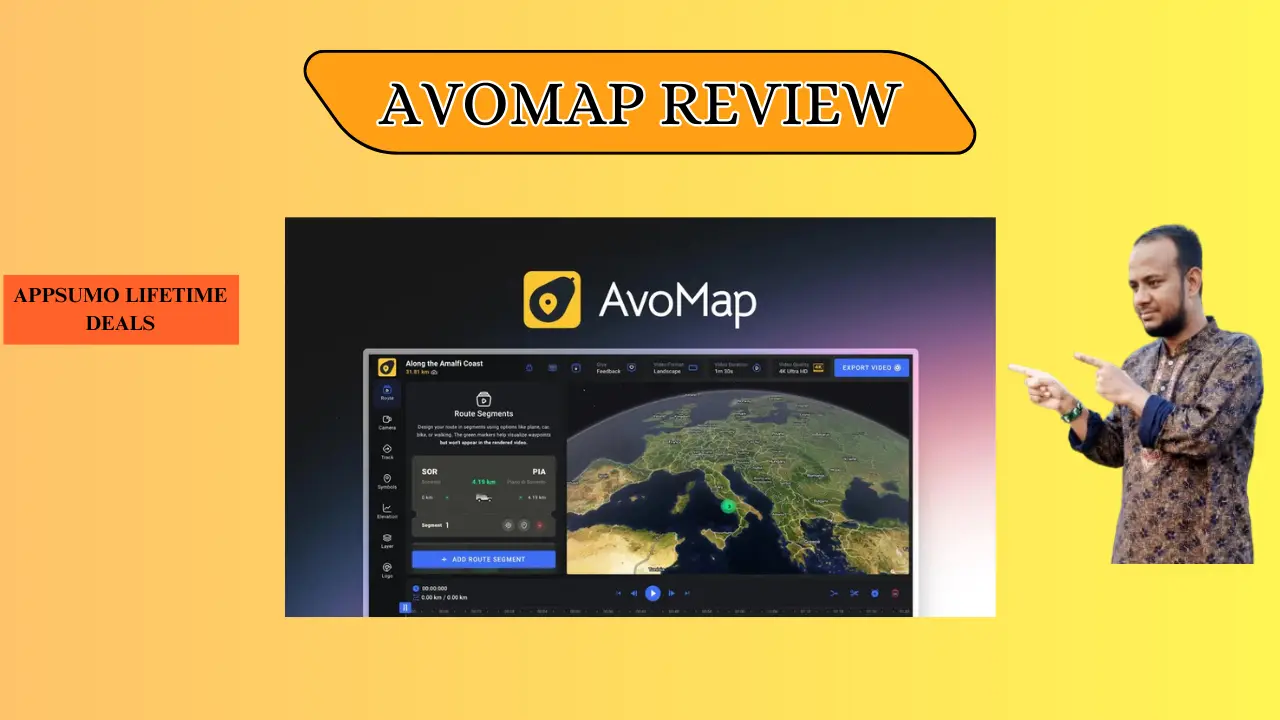
Welcome To My AvoMap Review:
Ever tried explaining a cross-country road trip with a static map and messy arrows? This AvoMap Review shows how I finally ditched boring screenshots for cinematic 3D animations that tell a story. As a travel creator, I’ve found this tool is the missing link for professional trip recaps, and you can start bringing your routes to life right now.
👉 Appsumo Lifetime Deals For – $59 👈
What is AvoMap?
AvoMap is a powerful web tool that turns GPS data into high-quality 3D videos. It takes your raw GPX or KML files and makes them into smooth fly-throughs with real terrain. In short, AvoMap is a storyteller that turns simple dots on a map into a visual journey.
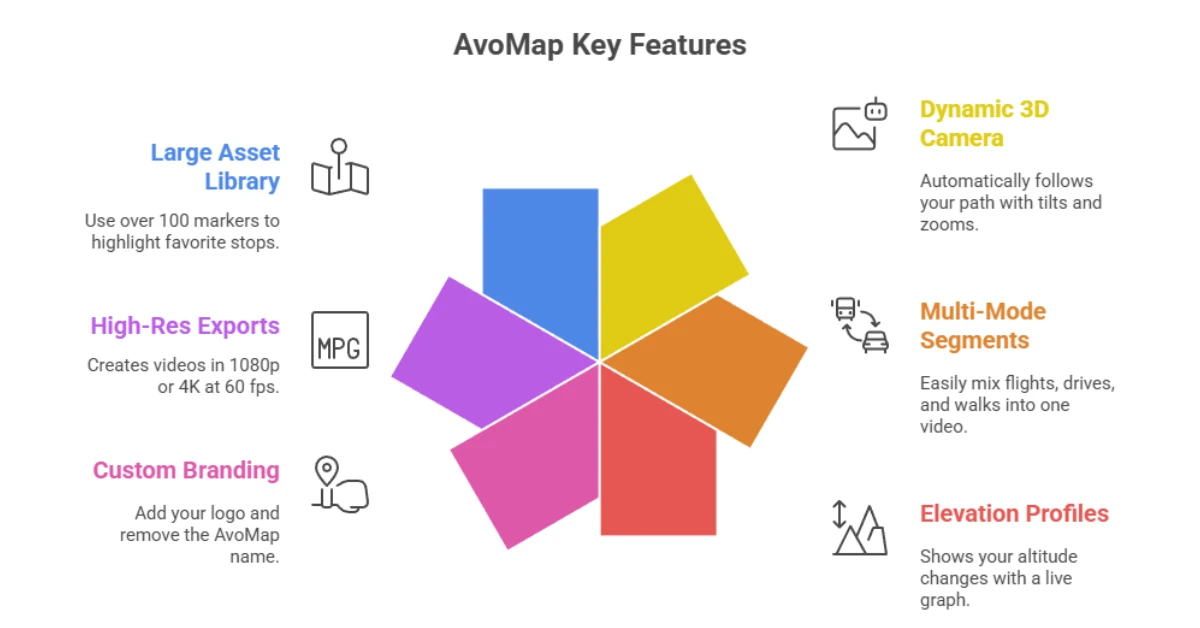
Key Features AvoMap
AvoMap offers many tools to help you build great videos in minutes.
✍ Dynamic 3D Camera: It follows your path with cool tilts and zooms automatically.
✍ Multi-Mode Segments: You can mix flights, drives, and walks into one video easily.
✍ Elevation Profiles: It shows how high you climbed with a clear, live graph.
✍ Custom Branding: You can add your own logo and remove the AvoMap name.
✍ High-Res Exports: It makes videos in 1080p or 4K at 60 frames per second.
✍ Large Asset Library: Use over 100 markers to show off your favorite stops.
How Does AvoMap Work?
Follow these steps to turn your trip into a 3D story.
Step #1: Upload Your Path: I just drop in a GPX file from my watch or a phone app.
Step #2: Pick Your Style: You can choose from ten different map looks, like 3D or simple 2D.
Step #3: Add Your Markers: I pick icons for my hotels or photo spots in just a few seconds.
Step #4: Adjust the Camera: I move the view up or down to show off big mountains or city streets.
Step #5: Save and Share: I hit the render button and get a 4K video ready for social media.
What I Like About AvoMap
These points show why I enjoy using this brand for my travel projects.
✅ Simple Flow: I love how I can show a flight to NYC and then a drive to the coast in one clip. It makes my vlogs look like a real movie instead of just a few random shots.
✅ Free Previews: The editor lets me fix every camera angle for free before I hit render. I only pay when I am happy, which saves me time and money.
✅ Pro Look for US Users: The map data for US parks like Zion or the Grand Canyon is very sharp. Adding my own logo makes my work look like it came from a big agency.
What Could Be Better
Every product has room to grow and improve for the user.
- Cost for Pro Features: Using 4K or adding a logo costs more credits, which can be hard if you have a tight budget.
- Learning the Timeline: It took me a few tries to get the timing right for switching from a plane to a car.
- Tunnel Views: The map still shows you on top of the hill when you go through a tunnel, which looks a bit odd.
Who should use AvoMap?
This tool is perfect for people who want to share a path or a trip.
- Travel Vloggers: Use this to show your fans exactly where you went on your last trip.
- Real Estate Agents: Show how close a new house is to the beach or a park with a 3D fly-over.
- Race Directors: Give runners a 3D view of the marathon course and all the hills before they race.
- Road Trippers: Make a fun video of your family vacation to share on your phone.
My Personal Experience with AvoMap
I used AvoMap for a trip through the Blue Ridge Mountains. The tool handled the steep hills and turns much better than old, flat maps. I marked every stop from the start to the end with clean icons.
- Fast Renders: My 60-second 4K video was done in less than 5 minutes.
- Cool Icons: I used a 3D car icon that looked great as it drove along the mountain roads.
- Great Feedback: My friends thought I used a high-priced pro tool to make the map.
Comparing With Other Brands
I have also used Relive for my bike rides and hikes. It is a good app, but it lacks the pro tools I need for high-quality video.
AvoMap vs Relive: Quick Comparison
This table shows how the two brands compare for creators.
| Feature | AvoMap | Relive |
| Video Quality | 4K / 60 FPS | 1080p |
| Your Own Logo | Yes | No |
| Camera Control | Full | Low |
| Where to Use | Web Browser | Phone App |
Pros and Cons of AvoMap
Check this list of good and bad points before you buy.
👍 Pros:
- Great 4K video quality
- No monthly fee
- Good 3D hill views
👎 Cons:
- Pro tools cost more
- Takes time to learn
- No offline use
Recommendation
If you are a US creator who wants to stand out, AvoMap is a great pick. It is made for people who want a pro look without the hard work of big edit tools. If you are just a casual walker, a free app might be enough for you. I choose AvoMap because I can use my own logo and move the camera as I like.
Frequently Asked Questions About AvoMap
Q: Does AvoMap use GPX files?
A: Yes, you can upload GPX or KML files from your watch to make a map fast.
Q: Is there a monthly fee?
A: No, you only pay for the videos you make with a credit system.
Q: Can I add my own logo?
A: Yes, you can add a brand logo to make the video look like your own work.
Q: Does it work on a phone?
A: It is a web tool built for a computer so you can edit with more detail.
Q: How long is the render?
A: Most videos take about 3 to 5 minutes to finish after you hit the button.